Page link checker: check every link on a web page
Paste the address of one page. We read it and check every link and image on it, in the text, the menu and the footer, and tell you which are broken, where they are on the page and what to do about each one.
Free, no signup. Up to 200 links, in about a minute at most.
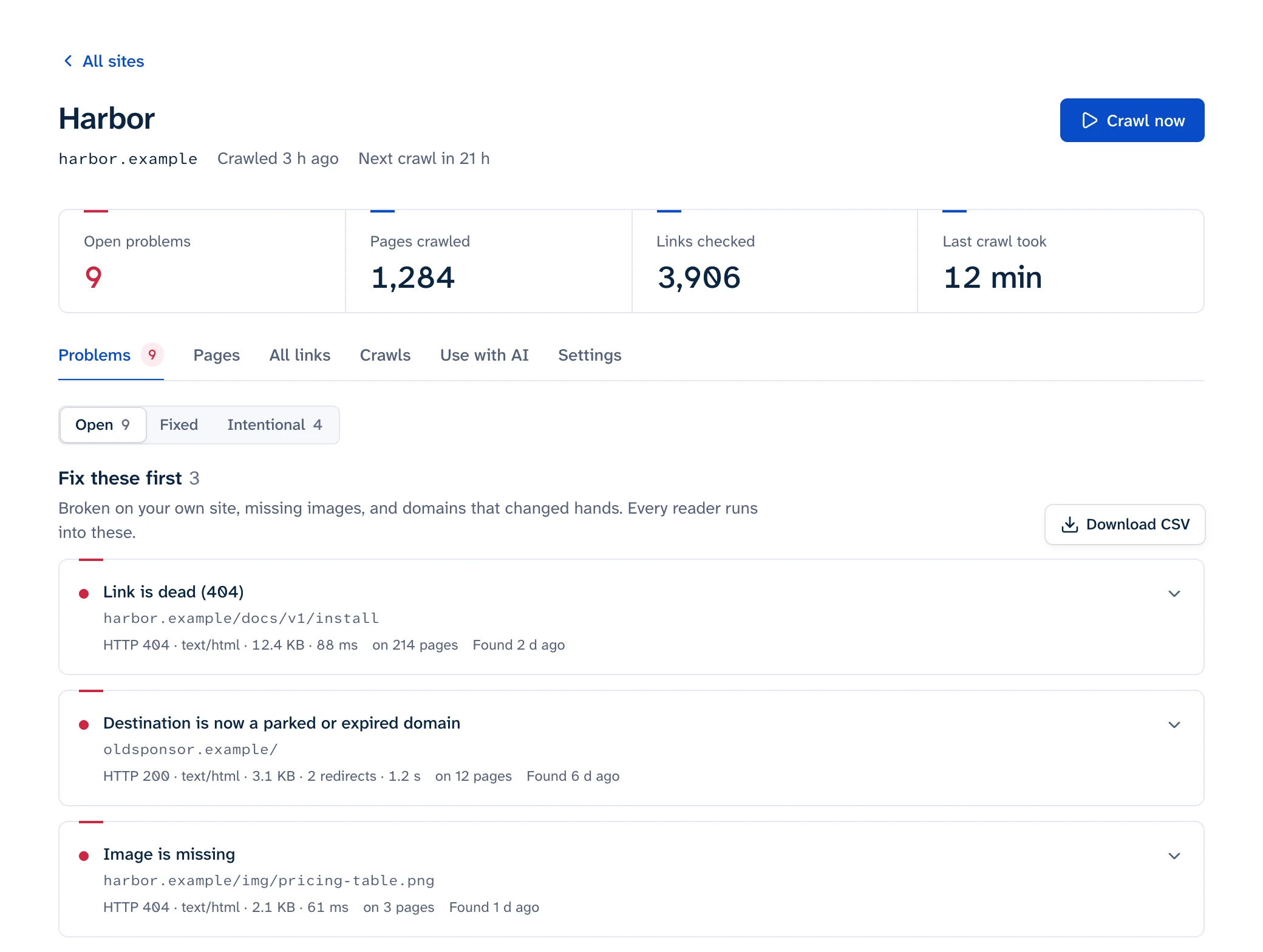
- 404harbor.example/docs/v1/installin the text, paragraph 3
- Soft 404partner.example/integrations/harboranswers 200 but says “page not found”
- # missingharbor.example/docs#webhooksthe page is there, the section isn’t
What it checks
- Links to pages that are gone (
404,410), domains that no longer resolve, and servers that fail. - Pages that answer
200but say they don’t exist, called soft 404s, and links to domains that expired and now show a parking page. - Links to a
#sectionthat isn’t on the target page any more. Broken anchor links covers why they break. - Images that don’t load. Finding broken images covers the usual causes.
- Redirect chains and loops, certificate errors, and http:// links on an https:// page.
When a site’s bot protection answers instead of the page (LinkedIn’s 999, a Cloudflare challenge), the link is listed as blocked, not broken, because a reader’s browser usually gets the page. What LinkedIn’s 999 means covers the most common one.
One page or the whole site
This reads the one page you paste. Your menu and footer are on every page, so a broken link there is broken everywhere, and a check of one page finds it. Links in the text of other pages need those pages read too. The free scan reads 25 pages of a site. To check a list of addresses you already have, use the bulk URL checker.
A link that works today can break next month without anything changing on your side. Link rot explains how often that happens, and how to find broken links on a website compares the ways to keep up with it.