When a broken link checker reports 403 Forbidden or 429 Too Many Requests on a page that opens fine in your browser, the site's bot protection or rate limiter stopped the checker before it reached the page. The link is usually fine. Before you delete it, open it in a private window and look at the response headers: a Cloudflare challenge carries cf-mitigated: challenge, AWS WAF marks its challenges with x-amzn-waf-action, and a rate limit often says how long to wait in Retry-After. If the block is on your own site, let the checker through your firewall.
Fine in a browser, 403 to the checker
It's a common false alarm, and well documented:
- Lars Ingebrigtsen checked the links on his blog and wrote in February 2025 that "about half of the external links are marked as broken", that "virtually all of the 'broken' links are '403 Forbidden'", and that "the vast majority of these 403s are from Cloudflare", with some from CloudFront and Akamai (Thanks, Cloudflare).
- When we checked 11,000 links from popular Hacker News stories, 16% of them didn't let a link checker in, and Cloudflare and DataDome answered for most of those (our Hacker News link rot study).
- LinkChecker issue #738, "How to defeat CloudFlare challenges?", has been open since May 2023. Publisher pages reached through DOI links came back 403, and a commenter reported that sending an up-to-date browser's user agent didn't help (GitHub).
- Cloudflare's own forum has a thread titled "Getting 403 forbidden in my good bot link checker". Here's what a plain
curlrequest for that thread got in October 2026:
$ curl -s -o /dev/null -D - https://community.cloudflare.com/t/getting-403-forbidden-in-my-good-bot-link-checker/350604
HTTP/2 403
content-type: text/html; charset=UTF-8
cf-mitigated: challenge
server: cloudflare
cf-ray: a502646129f1b576-WAW
The body is Cloudflare's "Just a moment..." challenge page. Your browser runs the challenge's JavaScript, gets a cookie and sees the thread. A typical link checker doesn't run JavaScript, so it stops at the 403 and reports the link as broken.
Checkers also look like bots in other ways: they request pages from data center IP addresses, send a tool's user agent, keep no cookies and fetch many URLs in a short time. AWS says its challenge and CAPTCHA pages "can only be handled properly by a client that's expecting HTML content" (AWS WAF docs).
Who blocks checkers, and how to recognize each one
| Source | What your checker gets | How to recognize it |
|---|---|---|
| Cloudflare challenge (Bot Fight Mode, challenge rules) | 403 | cf-mitigated: challenge, server: cloudflare, a cf-ray ID, page title "Just a moment..." |
| AWS WAF Block action | 403 by default | Generic forbidden page; the site owner can change the code and body |
| AWS WAF Challenge action | 202 | x-amzn-waf-action: challenge |
| AWS WAF CAPTCHA action | 405 | x-amzn-waf-action: captcha |
| AWS WAF Monetize action (CloudFront only) | 402 | Payment instructions for the bot in the body |
| Akamai | 403 | An "Access Denied" page: "You don't have permission to access ... on this server. Reference #18..." |
| Any rate limiter | 429 | Often a Retry-After header |
| 999 | See the LinkedIn 999 guide | |
| Shopify storefronts | 429 | Store owners can issue crawler access signatures |
Sources: Cloudflare documents the cf-mitigated header (Cloudflare docs). The AWS WAF codes and headers come from its rule action pages (rule actions, challenge and CAPTCHA). The Akamai page text is quoted in Microsoft's support article about it (Microsoft Learn), and 429 is defined in RFC 6585.
Note the AWS WAF challenge row. It answers 202, a success code. A checker that accepts any 2xx marks the link as working without ever seeing the page, so a wall can hide a dead link just as easily as it fakes a broken one.
How to tell a bot wall from a real 403
Open the link in a private window. If the page loads, perhaps after a short "checking your browser" screen, the link works.
Request it with
curland read the headers. Use a GET as below rather thancurl -I, since some sites answer HEAD and GET differently:curl -s -o /dev/null -D - "https://example.com/the/page"Match what you see:
cf-mitigated: challengemeans a Cloudflare challenge. Cloudflare's docs add that a challenge always comes back astext/html, even when you asked for an image or a PDF.x-amzn-waf-action: challengeorcaptchameans AWS WAF.- An "Access Denied" page with a "Reference #" means Akamai.
- A 429 with
Retry-Afteris a rate limit. The value is either a number of seconds or a date (RFC 9110). - The site's own branded "Forbidden" page, which you also get in a browser, is a real 403.
A real 403 still needs a decision. RFC 9110 says it means the server "understood the request but refuses to fulfill it" (RFC 9110), and on a page that used to be public it often means the content now needs a login or a subscription. Your readers hit the same wall, so replace the link, or say in the text that it needs an account.
429 Too Many Requests
RFC 6585 defines 429 as the client having sent too many requests in a given amount of time, and says the response "MAY include a Retry-After header indicating how long to wait before making a new request" (RFC 6585). Google's crawlers read 429 as a sign the server is overloaded, treat it as a server error, and "temporarily slow down with crawling" when they see one (Google Search Central). Your checker should do the same.
Link checkers trigger rate limits because links bunch up on a few hosts: share buttons on every page, a docs site you cite dozens of times, GitHub. Out of the box, lychee allows 128 concurrent requests and 10 at once to the same host (lychee README), and linkinator opens 100 connections (linkinator README). Turn that down per host and let the tool retry:
| Tool | What to change |
|---|---|
| lychee | --host-concurrency 2 and --host-request-interval 1s (or host_concurrency and host_request_interval in lychee.toml) |
| linkinator | --concurrency lower, plus --retry to retry 429s that carry retry-after |
| markdown-link-check | "retryOn429": true, with retryCount (default 2) and fallbackRetryDelay (default 60s) |
| LinkChecker | maxrequestspersecond in the [checking] section (default 10 per host) |
| Screaming Frog | Configuration > Speed, then lower "Max URI/s" |
Sources: each tool's docs (markdown-link-check, LinkChecker, Screaming Frog).
Shopify needs its own note. Storefronts rate-limit crawlers, and a Shopify Community thread reports Screaming Frog still getting 429 errors after a signature was applied (Shopify Community). If you own the store, you can create a signature in your Shopify admin under Online Store > Preferences > Crawler access. Your crawler then sends three headers with every request: Signature-Input, Signature and Signature-Agent, with "https://shopify.com" (quotes included) as the agent value. Each signature works for one connected domain and lasts at most three months, and an expired one can't be renewed (Shopify Help). Shopify's troubleshooting advice is blunt: "If your crawler is receiving rate-limiting errors, then your signature isn't valid." For links to other people's Shopify stores, you can only slow down.
What to do with a blocked link
- Don't delete it because a checker said 403 or 429. Verify it by hand first, as above.
- Slow down. Lower per-host concurrency and re-run. If the 429s go away, your checker's pace caused them. Checking external links lists the settings that help.
- Exclude or downgrade the hosts that always block you, so they stop hiding real problems. In lychee, add them to
exclude(the CI guide has a full config). In linkinator,--status-code "403:warn"turns 403s into warnings. In LinkChecker,ignoreerrorsin the[output]section takes a URL regex and an optional message regex, for example^https://www\.example\.com ^403(LinkChecker docs). - Pick tools that recognize walls. Since version 7.2.0, linkinator reports a 999 or a 403 with
cf-mitigatedas skipped instead of broken (release notes). - Re-check excluded hosts by hand on a schedule. A link behind a wall can still die; you just can't find out automatically.
Spoofing a browser user agent is a poor fix. It didn't work for the LinkChecker user above, challenges look at far more than the user agent, and you're getting around a block the site owner chose to put there.
When the 403 is on your own site
If your checker gets 403s from your own pages, your own firewall is blocking it, and every internal link it can't read is a link it can't check. Let it through:
- Cloudflare Bot Fight Mode "cannot be bypassed or skipped using WAF custom rules or Page Rules". An IP Access rule that matches first does stop it from firing, and Super Bot Fight Mode supports skip rules (Cloudflare docs).
- In AWS WAF, add an Allow rule for the checker's IP addresses ahead of your bot rules. Allow is a terminating action, so later rules don't see the request (AWS WAF docs).
- Match on IP addresses or signed requests where you can. A user agent string is trivial to fake, so allowing one opens the door to anything that copies it.
Our crawler's user agent, and how to allow it through a firewall, are on the Linkbruno bot page.
Why "blocked" needs its own status
A checker has three possible answers about a link: it works, it's broken, or the checker couldn't find out. Tools that fold the third answer into "broken" do damage both ways. People learn to skim reports full of 403s, so the real 404 goes unnoticed, or they delete working links that were only behind a challenge. Researchers make the same call: when Pew measured link rot, it counted a page as gone only if it returned one of nine definitive error codes, calling that "the most conservative estimate possible", partly because many sites actively try to prevent automated data collection (Pew Research, 2024).
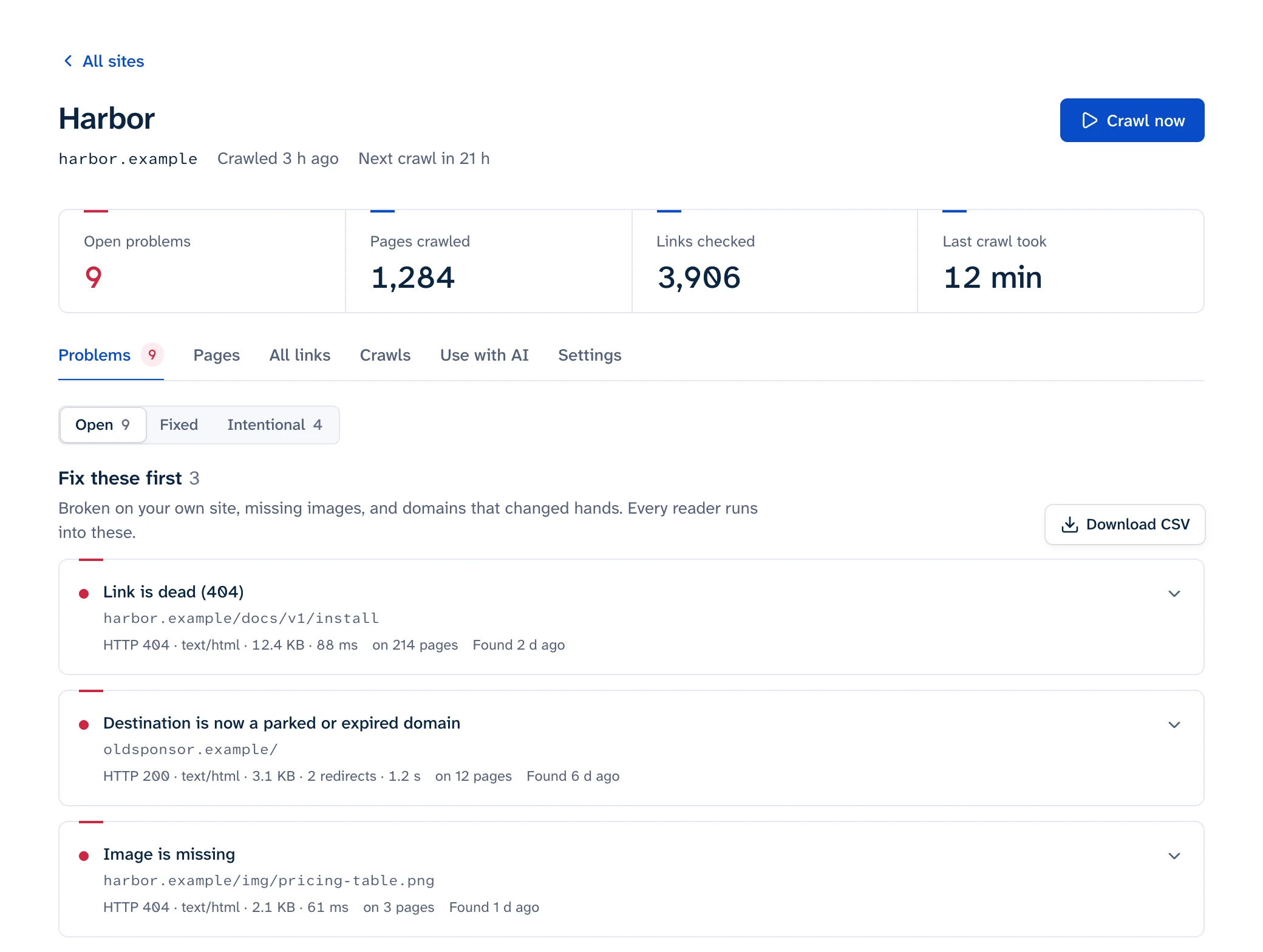
Linkbruno shows bot walls (LinkedIn's 999, challenge pages from Cloudflare, Akamai, AWS WAF, Imperva and DataDome, and 429 rate limits) as "blocked, couldn't check". They never count as broken and never trigger an alert. To see what that looks like on your site, run the free 25-page scan. For the rest of the process, from finding links to fixing them, see how to find broken links and how to fix broken links.