Our crawler
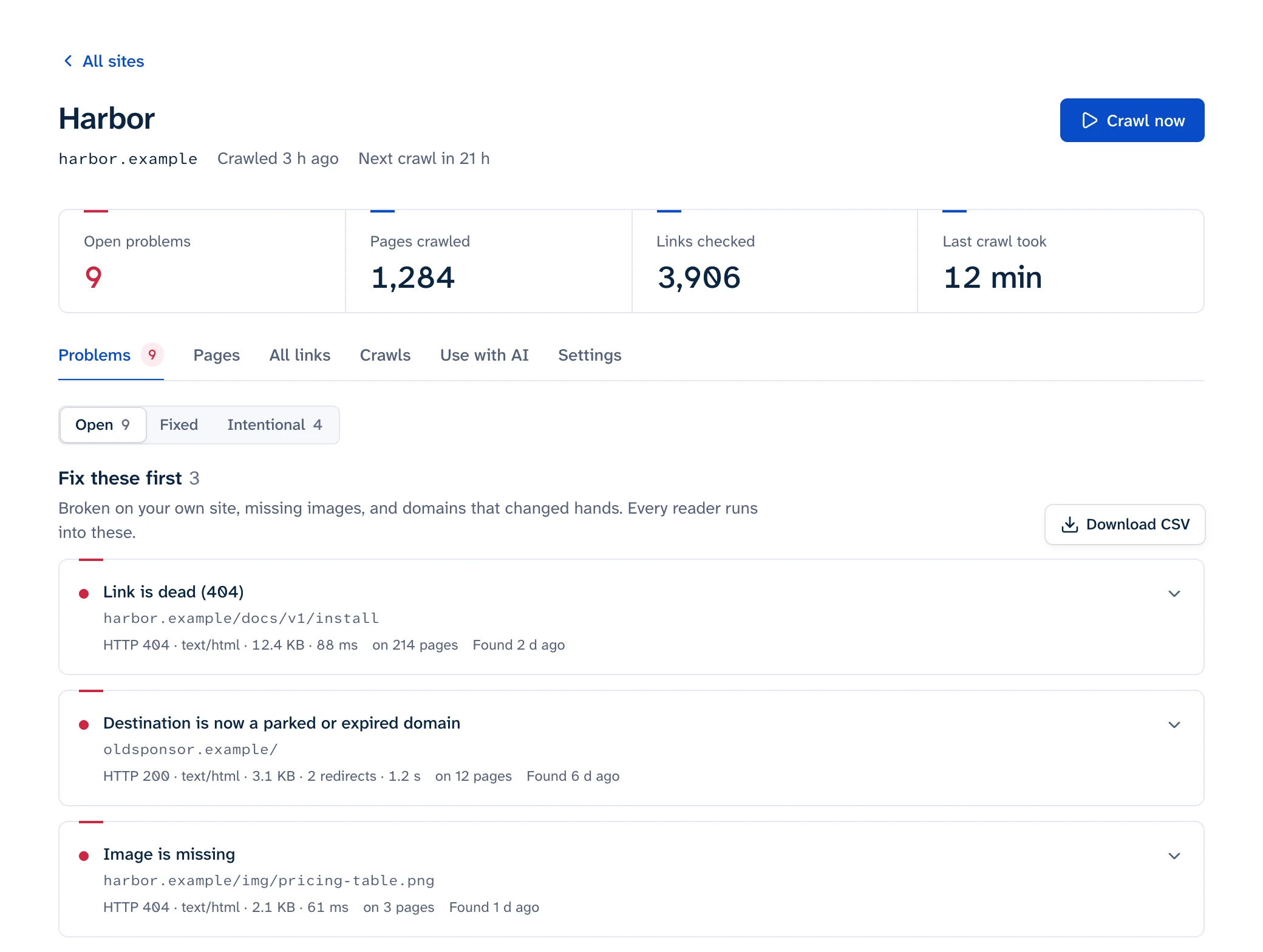
Linkbruno checks websites for broken links. If you found our crawler in your logs, this page says what it does, how to keep it out of parts of your site, and how to let it through a firewall.
How to recognise it
Its user agent starts with Linkbruno.
What it does
- It reads the pages of sites people have added to Linkbruno, and checks that every link on those pages still works.
- If one of those sites links to yours, we check that link with one request, the way a reader clicking it would. We don’t read any further into your site. If your site answers with a challenge page or a status like LinkedIn’s 999, we report the link as blocked, not broken.
- Anyone can run a one-off free scan of a site from our home page, which reads up to 25 pages, or check one page or a list of addresses with our free tools.
- Now and then we check a list of public links for research, like our study of links from Hacker News. Each link is checked the same way as above, with at least a second between requests to one site.
- It reads one page at a time, with a pause between requests. It waits longer if your robots.txt sets a Crawl-delay, and backs off when your server answers 429 or 503.
- It doesn’t log in, submit forms or run your JavaScript, and it doesn’t keep copies of your pages.
Keeping it out of part of your site
It follows robots.txt, and reads a group for Linkbruno before the one for everybody:
User-agent: Linkbruno
Disallow: /private/
A site’s owner can turn this off for their own site, once they’ve proved it’s theirs, to check pages they hide from search engines. Checking a single link to your site doesn’t read robots.txt, because a reader clicking it wouldn’t either.
Letting it through a firewall
When a firewall turns our crawler away, the owner of the site sees an error where their report should be. This is how to let it in. Why firewalls stop link checkers in the first place is in why link checkers report 403 and 429.
Cloudflare
- 1In Cloudflare, open the site and go to Security rules. Older dashboards call it WAF.
- 2Create a custom rule that matches when User Agent contains
Linkbruno. - 3Choose the action Skip, and tick everything it offers to skip: the remaining custom rules, rate limiting, managed rules and Super Bot Fight Mode. Then deploy it.
If Bot Fight Mode is on (Security settings, Bot traffic), no rule can skip it. Turn it off for this site. On a paid plan, Super Bot Fight Mode does respect the rule above.
AWS WAF
- 1In the AWS WAF console, open the web ACL (now called a protection pack) attached to your CloudFront distribution or load balancer.
- 2Add a rule that inspects the User-Agent header, with the match type Contains string and the value
Linkbruno. - 3Set its action to Allow and move it above the rules that block us, such as Bot Control. Rules run in order, and Allow stops the rest. Then save.
Anything else
- 1In your firewall’s settings, allow requests whose user agent contains
Linkbruno. - 2Put the rule before any rule that blocks bots or asks for a captcha, so it’s the one that applies.
Not sure which firewall it is? Your hosting company or whoever set up the site will know.
Questions
Write to [CONTACT EMAIL: set VITE_LEGAL_EMAIL].