Link rot is the slow failure of links as the pages they point to move, disappear or lose their domain. It's measurable: Pew Research found that 38% of web pages that existed in 2013 were no longer accessible in 2023 (Pew Research, 2024). You can't stop other sites from changing, but you can keep your own URLs stable, archive the pages you cite, check your links on a schedule, and swap dead links for replacements or archived copies before readers find them.
Link rot and content drift
Researchers separate two problems. In the words of a 2016 study of links in scholarly papers, link rot is when "the resource identified by a URI vanishes from the web", and content drift is when "the resource identified by a URI changes over time" until it no longer represents what the author cited (Jones et al., PLOS ONE).
Drift is the harder one. A rotten link returns an error and a checker catches it. A drifted link returns 200 OK with different content: a rewritten article, a recycled URL, a product page that now sells something else. The same study reported: "We find that for over 75% of references the content has drifted away from what it was when referenced." The only reliable way to catch drift is to compare the live page with an archived copy.
How common it is
| Finding | Figure | Source |
|---|---|---|
| Pages from 2013 no longer accessible in 2023 | 38% | Pew, 2024 |
| Pages from 2023 already gone by October 2023 | 8% | Pew, 2024 |
| Pages from 2013 to 2023 no longer accessible in October 2023 | 25% (16% single pages on working sites, 9% on domains that stopped working) | Pew, 2024 |
| News pages with at least one broken link | 23% | Pew, 2024 |
| Government pages with at least one broken link | 21% | Pew, 2024 |
| Wikipedia pages with a dead link in "References" | 54% | Pew, 2024 |
| URLs in Harvard Law Review and other journals that don't link to the cited information | more than 70% | Zittrain, Albert and Lessig, 2014 |
| URLs in US Supreme Court opinions with the same problem | 50% | Zittrain, Albert and Lessig, 2014 |
| Deep links in New York Times articles that are now rotten | a quarter | Harvard Berkman Klein Center, 2021 |
| Links from popular Hacker News stories of 2015 that were dead in November 2026 | 19% (4% for stories from 2025) | Linkbruno, 2026 |
Pew counted a page as gone only when it returned one of nine definitive error codes, which it calls "the most conservative estimate possible". Its figures leave out soft 404s and drift. Our Hacker News study counts soft 404s, parked domains and redirects to a home page as dead too, and keeps the 16% of links behind bot protection apart, because a checker can't see past it.
What link rot looks like on your site
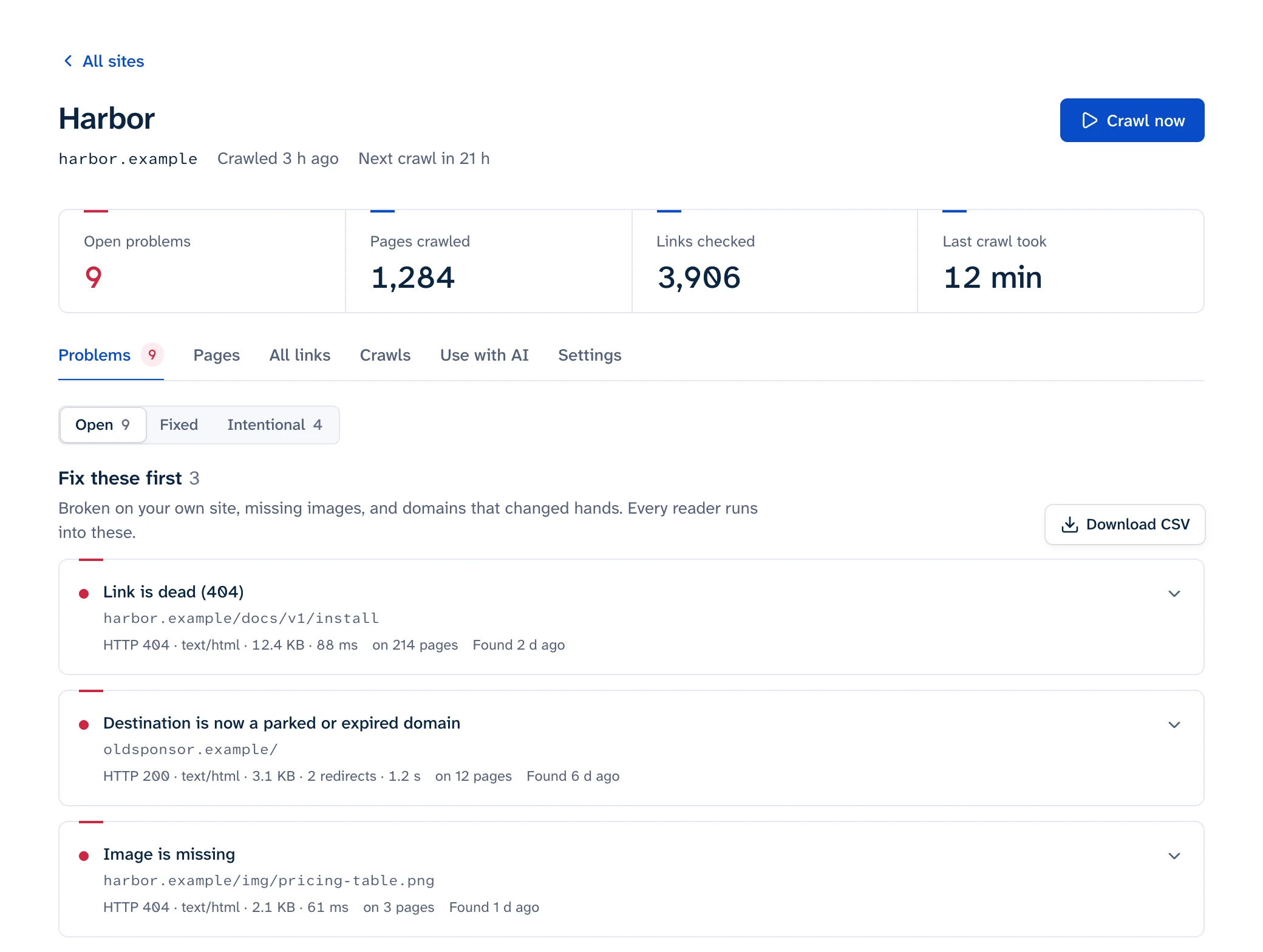
A link rarely announces that it rotted. Here's what each kind looks like to a link checker and to a reader:
| What happened at the other end | What a checker sees | What your reader sees |
|---|---|---|
| Page deleted | 404 or 410 | An error page |
| Page moved without a redirect | 404 | An error page |
| Page moved, redirected to the home page | 301 to /, then 200 |
The home page, no sign of the article. Google may treat this as a soft 404 (Google) |
| "Not found" page that answers 200 | 200 | A not-found message |
| Domain expired | DNS failure | "This site can't be reached" |
| Domain re-registered by someone else | 200 | A parked page, ads or a scam. See links to expired domains |
| Heading renamed on the target page | 200 | The top of the page instead of the section. See broken anchor links |
| Content drifted | 200 | A page that no longer says what you said it did |
Only the first two and the DNS failure show up as errors in a basic status-code check. The rest need a checker that looks at redirects and page content, or a person reading the page.
Keep your own URLs from rotting
On your own site, you control the causes: a CMS migration, a new URL scheme, a deleted section. Tim Berners-Lee put it plainly in 1998: "URIs don't change: people change them" (Cool URIs don't change).
- Pick URLs you won't need to change. Berners-Lee's list of things to leave out still holds: author names, subject categories that get reorganized, status words like "draft" or "latest", file extensions, and software names like "cgi".
- When you do change a URL, add a 301 from the old address to the closest equivalent page, in one hop (redirect chains explains why). Google says to keep redirects "for as long as possible, generally at least 1 year", and to consider keeping them indefinitely for users (Google Search Central). Run old URLs through the redirect checker after any change; the migration guide covers bigger moves.
- Don't redirect everything you delete to the home page. Return a 404 or 410 for content that's really gone; how to fix broken links covers when to use which.
- Keep renewing old domains you've moved away from. Other sites still link to them.
- After a change, update your own internal links to the new URL instead of leaning on the redirect. Internal links to a moved or deleted page are the kind of broken link that matters most for search (do broken links affect SEO?).
Protect the links you point to
You don't control other sites, so plan for their links to fail.
Archive what you cite when you publish
The Wayback Machine's Save Page Now takes a URL and saves that page with its images and CSS. It saves one page at a time, and some sites block it (Internet Archive Help). There's also a browser extension with a "Save Page Now" button. For legal and academic citations, Perma.cc, from Harvard Law School's Library Innovation Lab, saves a copy and gives you a permanent link to cite.
Prefer stable identifiers
For papers, link the DOI (https://doi.org/...) rather than the publisher's current URL. Crossref tells publishers to "update your resolution URLs if the location of your landing pages or full-text content changes", so a DOI keeps working when a journal moves platforms (Crossref).
Check outbound links on a schedule
Other sites change without telling you, so a one-off audit goes stale. Monthly suits most blogs and docs sites (see the routine below); the external links guide covers checking them without hammering other servers.
Swap in an archived copy when the original dies
The Wayback Machine has an availability API that returns the capture closest to a date. Ask for one from around the time you published:
$ curl -s "https://archive.org/wayback/available?url=example.com×tamp=20130101"
{"url": "example.com", "archived_snapshots": {"closest": {"status": "200", "available": true, "url": "http://web.archive.org/web/20130729212510/http://www.example.com/", "timestamp": "20130729212510"}}, "timestamp": "20130101"}
Two checks before you use the result. The closest capture can be after the date you asked for (July 2013 here, for a January request), so confirm it predates the page's death. And confirm status is "200", since a capture can be of a redirect or an error page (Wayback API). Then open the copy and read it, because a soft 404 can be archived with a 200 too. Label the link so readers know what they're getting, for example "(archived copy)".
For dead outbound links, Linkbruno suggests the Wayback Machine's last copy from before the link died, so you don't have to look up the date yourself. For a single address, the Wayback Machine checker lists the first and latest copies and the last one of each year.
A monthly link rot routine
Once a month is a sensible default for a blog or documentation site. Daily makes sense for a store or a site where links are the product.
- Run a full crawl, or read the latest report from your scheduled one. The main guide compares the ways to do it, and the free scan covers 25 pages without signing up.
- Fix broken internal links first, at the source. A dead link in the navigation or footer template is on every page, so one edit fixes it everywhere.
- Re-check anything reported as blocked, 403, 429 or timed out by hand before acting. Bot walls aren't rot; see why checkers report 403 and 429.
- For each dead outbound link, choose one: the page's new address, a different source that says the same thing, an archived copy, or removing the link and keeping the text.
- Look for parked or re-registered domains among your outbound links. They answer 200 and won't appear as errors.
- Spot-check the sources on your top pages for drift. Open the five or ten most-cited links and confirm they still say what you quote.
- Save this month's new outbound links to the Wayback Machine.
- Check Search Console's "Not found (404)" list for your own URLs that other sites still link to, and redirect the ones that have a sensible new home (Search Console guide).