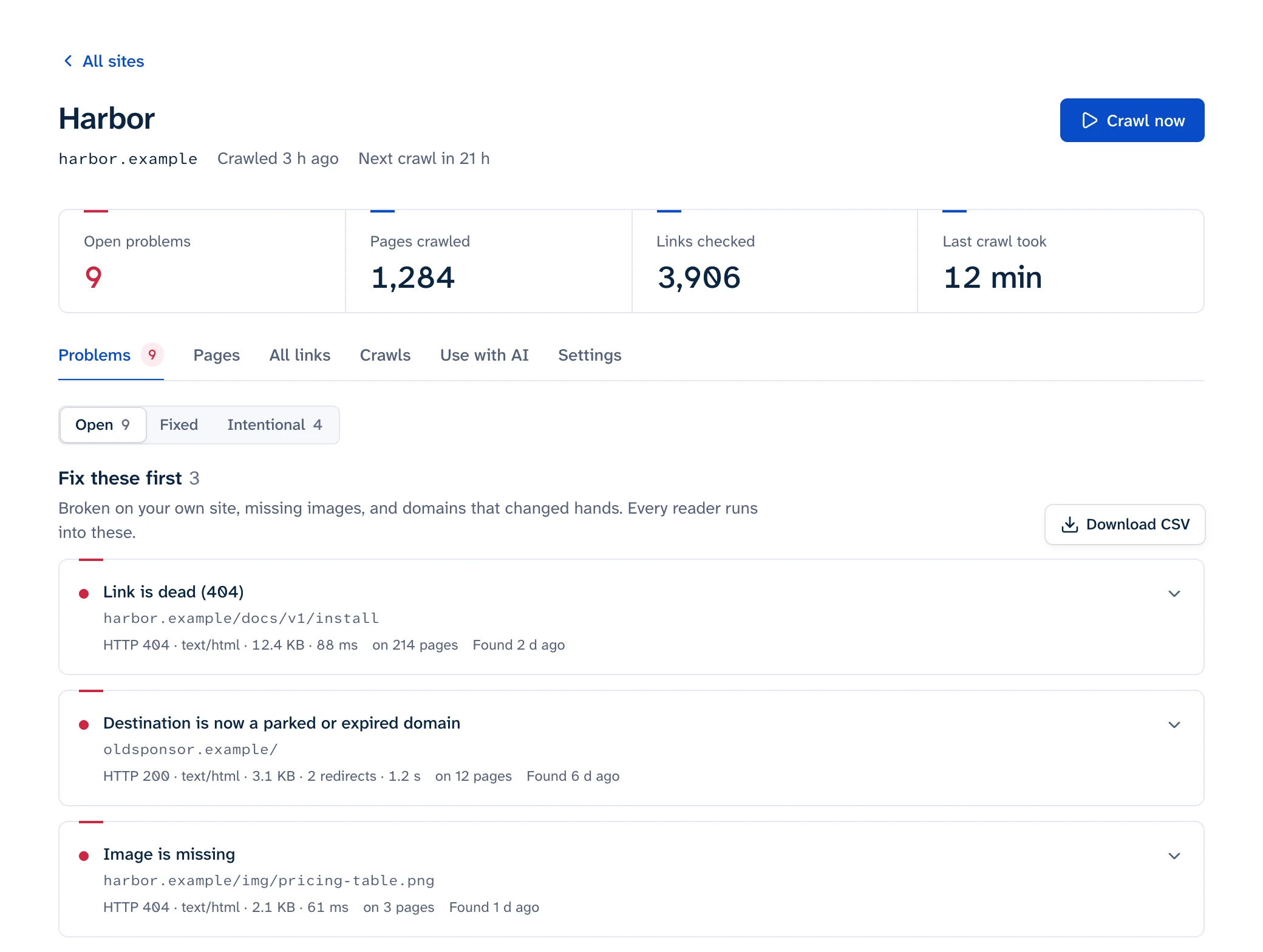
To fix broken links, change the link itself wherever you can: point it at the page's new URL, a replacement, or an archived copy, or take it out. Add a 301 redirect when the dead URL is yours and other sites, bookmarks or search results still send people to it. When a page of yours is gone for good and nothing replaces it, let the URL return 404 or 410. Don't send every dead URL to the home page.
If you don't have a list of broken links yet, start with how to find broken links.
Pick the fix from the cause
| Cause | Fix | Also do |
|---|---|---|
Typo in the href |
Correct the link | |
| Your page moved to a new URL | Update every link to the new URL | 301 the old URL to the new one |
| Your page was deleted, and a close replacement exists | Link to the replacement | 301 the old URL to the replacement |
| Your page was deleted, with nothing equivalent | Remove or reword the links | Let the old URL return 404 or 410 |
| The same dead link on every page | Fix the menu, template or shared component once | |
| Another site moved the page | Update to the page's new URL | |
| Another site deleted a page you cite as a source | Link an archived copy or another source | Say it's an archived copy |
| Another site deleted a "further reading" page | Remove the link, keep the sentence if it still reads well | |
| The linked domain expired or is parked | Remove or replace the link now | Look for scripts or images loaded from that domain |
| The link works through a chain of redirects | Point the link at the final URL | Flatten your own redirect rules |
The #section it points to is gone |
Restore the id or change the fragment |
See broken anchor links |
| An image 404s | Upload it again or fix the path | See broken images |
403, 429 or 999 to a checker, fine in a browser |
Usually a bot wall. Leave the link and exclude it in your checker | See 403 and 429 errors |
Fix it where the link lives
A link in the navigation, header, footer or sidebar comes from a template, a menu or a shared component, so one edit fixes it on every page. A link in the main text lives in one post or page, and you edit that post. Your link checker's list of linking pages, and where on each page the link sits, tells you which case you're in before you open anything.
When the same URL appears in many posts, search and replace saves time, but it can also break things. Before you run it:
- Search for every form of the URL: relative (
/old-page), absolute (https://example.com/old-page), with and withoutwww, withhttp://, with and without a trailing slash. - Include the closing quote or slash in your search string. Replacing
/blog/seoalso rewrites/blog/seo-tipsunless you do. - Back up first, and do a dry run.
In a Git-based or static site, find every occurrence with grep -rn "old-page" content/ layouts/ (or the folders your generator uses) and review the diff before you commit. If you work with Claude Code, Cursor or VS Code, the Linkbruno MCP server gives the agent each broken href as written, so it can find and fix them in the repository.
On WordPress, WP-CLI's search-replace handles serialized data and has a dry-run flag (WP-CLI docs). For links it can't reach, like menus and widgets, see broken links in WordPress.
wp db export before-link-fix.sql
wp search-replace 'https://example.com/old-page/' 'https://example.com/new-page/' --skip-columns=guid --dry-run
# Check the counts, then run it again without --dry-run
On a hosted builder with no find-and-replace across content, you edit each page by hand. Sorting your checker's list by page saves a lot of clicking.
Redirect to the closest equivalent
Add a 301 when the old URL still gets visits: it has backlinks, it's bookmarked, it's in search results, or it shows up in Search Console's 404 list. Point it at the page that answers the same question: the renamed article, the product that replaced the old one, the article you merged it into, or failing that, the category it belonged to.
Don't point it at the home page. Google's site move guide says not to "redirect many old URLs to one irrelevant single URL destination, such as the home page of the new site", because that "might be treated as a soft 404 error" (Google). It also confuses people, who land on a page that has nothing to do with what they clicked. The same guide says to keep redirects "generally at least 1 year", and from users' perspective, indefinitely.
Two common ways to add one, on nginx and on Apache (nginx docs, Apache docs):
location = /old-page { return 301 /new-page; }
Redirect permanent "/old-page" "/new-page"
Shopify, Squarespace, Webflow and Wix have their own redirect screens instead; the menu paths are in the platform notes of how to find broken links.
A redirect is the fallback for people arriving from outside. Your own links should still point straight at the new URL, so update them too. Moving a whole site is the same job at scale: see redirects after a website migration.
404 or 410
Use either. Google's Search Console help says "Currently Google treats 410s (Gone) the same as 404s (Not found)" (Search Console Help), and its crawler documentation says all 4xx errors except 429 "are treated the same" (Google). Neither one harms the rest of your site in search; do broken links affect SEO? has what Google says.
The only measured difference is in recrawling. Reboot Online set 119 test pages to 404 or 410 and found Google recrawled the 404 URLs 49.6% more often than the 410 ones; both kinds showed up in Search Console as "Not found (404)" (Reboot Online, 2022). So if you deleted something on purpose and your server makes it easy, send a 410. If not, a 404 is fine. On nginx and Apache a 410 looks like this:
location = /discontinued-page { return 410; }
Redirect gone "/discontinued-page"
Check what the URL returns with curl -sI https://example.com/discontinued-page | head -1.
What isn't fine is a "page not found" message sent with 200 OK. That's a soft 404, and Google's help calls returning anything but 404 or 410 for a missing page, or redirecting it to the home page, "problematic". More in soft 404s.
Dead links to other sites
Once a check of your external links has found them, work through these in order:
- Look for the page's new home. Search the other site, or search the web for the page title in quotes.
- If you cited it as a source (a quote, a figure, a document), link an archived copy and say so in the text.
- If it was background reading, remove the link and keep the sentence if it still makes sense.
To find the last good copy in the Wayback Machine, ask its CDX API for the latest snapshot that returned 200 (CDX server docs):
curl -s "https://web.archive.org/cdx/search/cdx?url=example.com/report&filter=statuscode:200&limit=-1&fl=timestamp,original"
# 20231104120310 https://example.com/report
The archived page is then at https://web.archive.org/web/20231104120310/https://example.com/report. Open it before you link it: the last capture that returned 200 can be a soft 404 or the parked page that replaced the site. Without curl, paste the address into the Wayback Machine checker, which lists the last copy of each year so you can step back to one from before the page broke. Linkbruno suggests the last Wayback copy from before a link died, so you can skip the lookup. To have a copy ready before you need one, archive sources when you publish, as described in link rot.
Adding rel="nofollow" or rel="sponsored" to a dead link doesn't fix it. Those attributes describe your relationship to the target for search engines (Google); the reader still lands on an error.
If the domain has expired, act now. A parked domain can send your readers to scams, and a script or image still loaded from it is worse, because whoever registers the domain decides what it serves. See links to expired domains.
Redirect chains
A link that goes through two or three redirects before it reaches a page still works, but every hop is another round trip. Google recommends redirecting "to the final destination directly" and, if you can't, keeping a chain to "ideally no more than 3 and fewer than 5" hops (Google).
See every hop with curl, or paste up to 10 URLs into the redirect checker:
curl -sIL https://example.com/old | grep -iE '^(HTTP|location)'
Then update the link to the final URL. On your own server, change old rules so they point at the final destination instead of at another redirect. Loops, http-to-https chains and platform examples are in redirect chains.
Confirm the fix
- Re-check the one link: curl it, run it through the redirect checker, or use your checker's single-link re-check. In Linkbruno that's "Check again", which re-reads the pages carrying the link instead of crawling the whole site.
- Test in a private window or with curl. Browsers cache 301s, and a CDN or page cache can keep serving the old page until you purge it.
- If the URL is in Search Console's Not found (404) list and you redirected or restored it, open that issue and click Validate fix. Google says validation "typically takes up to about two weeks", and it stops as soon as Google finds one remaining instance of the issue (Search Console Help). A URL you meant to delete doesn't need validating; the report drops 404s after about a month.
- Crawl the site again a week later, to catch anything the fix broke and anything new.