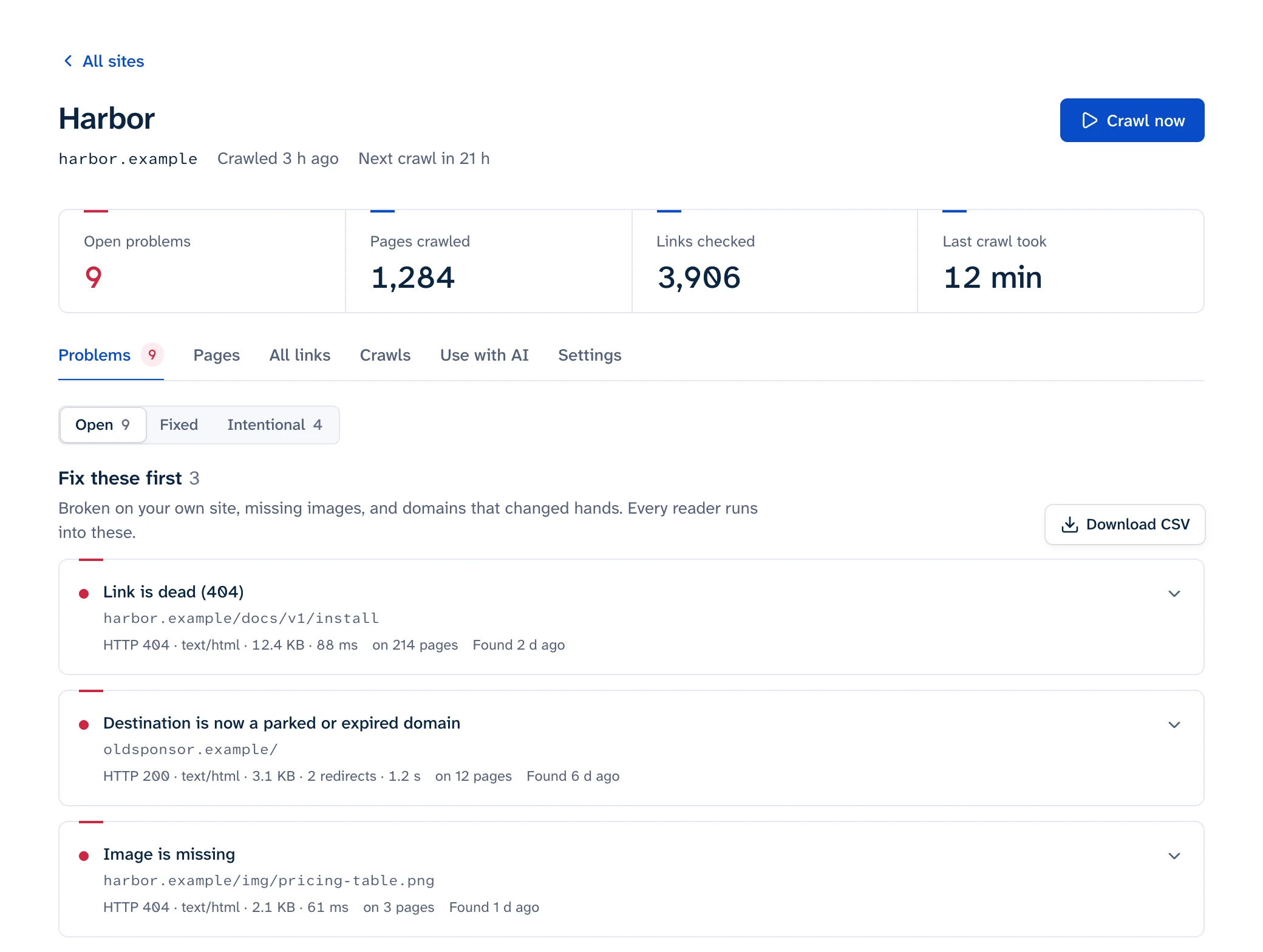
To find broken links in Google Search Console, open the Pages report under Indexing and check two rows in the "Why pages aren't indexed" table: Not found (404) and Soft 404. Each lists URLs on your site that Googlebot requested and couldn't get a page from. Those are dead URLs, and the report doesn't say where the links to them are. To find the page carrying a link, inspect the URL and read its "Referring page", or crawl your site. Search Console never checks the links you point at other sites.
Report names and limits below are from Google's help pages as of October 2026.
Where the 404 and soft 404 lists are
- Open Search Console and pick your property.
- In the left menu, under Indexing, click Pages. Google calls this the Page indexing report (Search Console Help).
- Scroll to Why pages aren't indexed and click Not found (404).
- The details page shows a chart and a table of example URLs. Export it to work in a spreadsheet.
- Go back and do the same for Soft 404.
The filter above the chart is worth using. All submitted pages limits the report to URLs in your sitemaps, and a 404 there is always worth fixing, since you're asking Google to crawl a page that doesn't exist. Unsubmitted pages only shows the rest, which can include URLs Google found through links on other sites.
Google describes the Not found (404) row this way: Google "discovered this URL without any explicit request or sitemap" and "might have discovered the URL as a link from another page, or possibly the page existed before and was deleted." Googlebot keeps trying such URLs for a while and crawls them "less and less often."
A few other rows in the same table point at link problems too:
| Row | What it means for links |
|---|---|
| Server error (5xx) | Pages that failed when Googlebot asked. Check your server logs for the same time |
| Redirect error | A redirect chain that was too long, a loop, a redirect URL that grew past the maximum length, or a bad or empty URL in the chain |
| Blocked due to access forbidden (403) | Google notes that Googlebot never sends credentials, so your server shouldn't be answering it with 403. Look for a firewall or bot rule that blocks it |
| URL blocked due to other 4xx issue | Any other client error. Inspect the URL to see which |
Limits of the 404 list
The examples table "is limited to 1,000 rows" and "does not necessarily show all URLs with that issue." The report only keeps "URLs that have shown 404 errors in the past month." And a URL only appears after Googlebot has requested it, which can be weeks after the link went up, since "it can take some time (up to a few weeks) before Google crawls some or all of your site" (all from the Page indexing help).
Finding the page that links to a 404
Click a URL in the examples table, then the inspect icon next to it to open URL Inspection. Expand Page indexing and look at the Discovery fields:
- Sitemaps lists any sitemap that includes the URL. If there's one, remove the dead URL from it or fix the entry.
- Referring page is "a page that Google possibly used to discover this URL." Google adds that it "might directly link to this URL, or it might be a grandparent or great-grandparent of a page that links to this URL," and that an empty field doesn't mean nothing links to it (URL Inspection help).
So treat the referring page as a hint. Open it, search its source for the dead URL, and if the link isn't there, check the pages it links to. If the referring page is on someone else's site, you can't edit the link, so redirect your dead URL to the page they meant.
URL Inspection works one URL at a time and has a daily limit per property. For a longer list, crawl your own site and look up each dead URL in the crawler's list of linking pages. A crawler reports every page that carries the link, along with the anchor text, in one pass. Our free scan does this for up to 25 pages, and the main guide compares crawlers for bigger sites.
What Search Console never shows
The Page indexing report is about URLs on your own site that Google tried to index. Plenty of broken links never reach it.
| Problem | In Search Console? | Where to look instead |
|---|---|---|
| Links from your pages to other sites that died | No | A crawl with external link checking on. See checking external links |
Links to a #section that no longer exists |
No, the part after # never reaches the server |
A crawler that checks fragments. See broken anchor links |
| Broken images on your pages, or on other hosts | Not in this report | A crawl with images on. See broken images |
| A link you broke yesterday | Not until Googlebot recrawls the page and tries the URL | A crawl after every change |
| 404s more than a month old, or past the first 1,000 | No | Your server logs, or a crawl |
The Links report isn't a broken-link report
The Links report looks like the place to check links, but Google says it isn't a full list: it "shows a sample of internal and external links." It also "includes links that Google has found over time. These links may have since been removed, or a page may no longer exist" (Links report help). It doesn't show status codes at all.
It's still useful for one thing. External links > Top linked pages lists the pages on your site that other sites link to most. If any of those URLs are in your 404 list, redirect them first: other sites link there, so visitors may still be arriving through those links.
A workflow that works
- Export the Not found (404) list. Export it again with the All submitted pages filter. Some of those URLs may have been fixed since Google last crawled them, so paste the list into the bulk URL checker to see which are still 404 today.
- Sort the URLs into four groups: ones you link to yourself, ones in your sitemap, ones other sites link to, and junk that never existed. Google's advice is to fix "only 404 errors that you link to yourself or list in a sitemap", and to redirect moved pages.
- Crawl your site to find every page that links to each URL in the first group.
- Fix the links at the source, add 301s for moved pages that other sites link to, and leave deleted pages as 404 or 410. The details are in how to fix broken links.
- Open each issue you fixed and click Validate fix. Validation "typically takes up to about two weeks", and it stops if Google finds one remaining instance, so fix all of them first.
- Check outbound links separately, since Search Console never will.
Soft 404s
A soft 404 is a page that says "not found" (or is nearly empty) but answers 200 OK. Google's help recommends "returning a 404 response code for truly 'not found' pages", and suggests running a live test in URL Inspection and clicking View tested page to see the page as Google rendered it. Common causes are a custom error page that returns 200, empty category or search pages, and old URLs redirected to the home page. See soft 404s.
When to ignore a 404
Not every row needs work. Google's help on 404s says they "won't impact your site's search performance, and you can safely ignore them if you're certain that the URLs should not exist on your site" (Search Console Help). Leave these alone:
- A page you deleted on purpose that has no replacement. Returning 404 is "the right thing to do", and it drops from the report after about a month.
- A URL that never existed, such as a scraper's mangled link or a mistyped address.
Do redirect a URL that's a common misspelling of a real one, because someone meant to link to you.
And don't try to make the list shorter by other means. Google says: "Don't create fake content, redirect to your homepage, or use robots.txt to block 404s." Removing a URL with the Removals tool doesn't help either: it "will not remove the error from this report." What these 404s do and don't do to rankings is covered in do broken links affect SEO.